How to Save Water with a Smart Irrigation Controller
A smart irrigation controller saves water only when you pair weather-based scheduling with correct zone runtimes, rain or soil-moisture sensing, and a seasonal water budget. A common starting point is to cut runtime by about 20% to 30% from a fixed schedule, then adjust based on soil and runoff. Bad settings can waste more water than a basic timer and leave dry spots or runoff. This guide shows which settings change runtime, which sensors are worth adding, and how to check for lower water use after setup.
How smart controllers adjust watering to local conditions
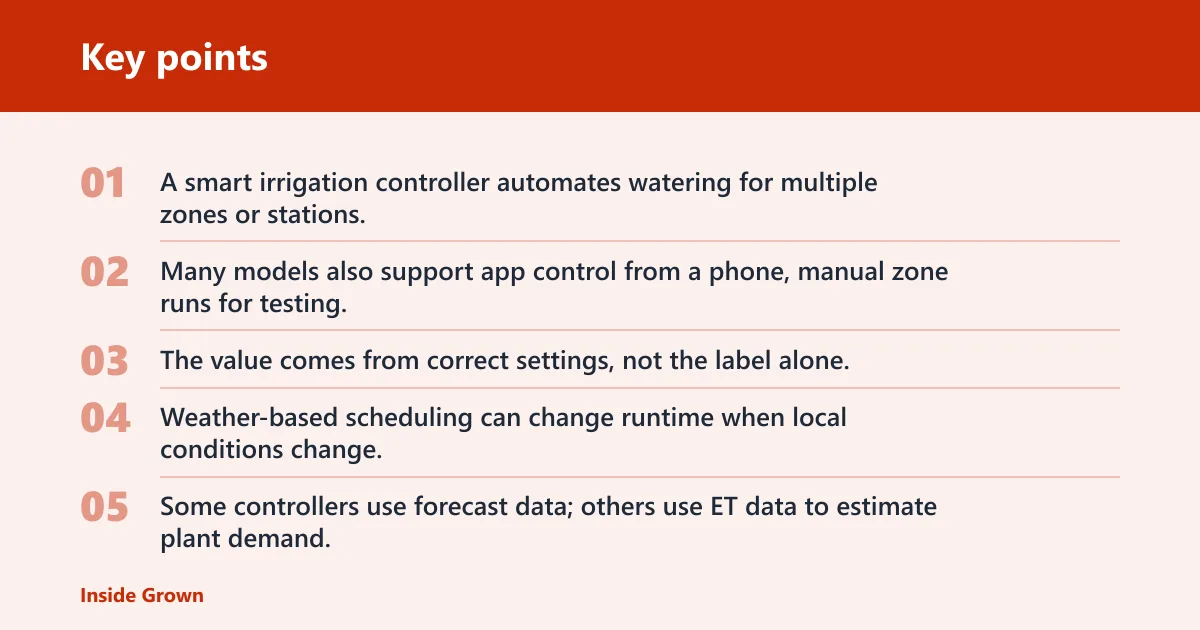


A smart irrigation controller automates watering for multiple zones or stations, then changes that schedule using weather data, evapotranspiration data, or soil moisture inputs. Many models also support app control from a phone, manual zone runs for testing, and rain or flow sensors. The value comes from correct settings, not the label alone.
Weather-based scheduling basics
Weather-based scheduling can change runtime when local conditions change, so the controller may water less during rain, cool weather, or winter periods and more during heat or dry spells. Some controllers use forecast data; others use ET data to estimate plant demand. If the controller never updates the schedule, it is only a timer with a screen.
App control and zone control
App control lets you change schedules fast from a phone, which helps when weather shifts or a zone needs a quick correction. It does not save water by itself. Savings come from zone-by-zone settings, seasonal adjustment, and a schedule that matches the actual plants, soil, sun exposure, and sprinkler type in each station. If one zone covers lawn and shrubs together, the controller has to guess, and guessing usually wastes water.
WaterSense labeling and rebate relevance
EPA WaterSense labeling matters because many rebate programs use it as a qualification check. Contra Costa Water District requires EPA WaterSense labeled controllers for qualification, and some programs ask for proof that smart watering settings are enabled. SNWA says smart irrigation clocks automatically adjust watering according to the weather, and its rebate offers 50 percent off or up to $100 for a smart irrigation controller.
📊 Cornell research said predictive irrigation could save 40% of water consumed by more traditional methods. Source: Cornell.
What settings save water?
The settings that actually reduce water use are the ones that change runtime, pause watering when the soil or weather says to stop, and keep the schedule from drifting into overwatering. In many homes, the biggest savings come from seasonal adjustment, rain delay, and a zone-by-zone review of runtime. If those are wrong, the controller may increase use.
Weather adjustment
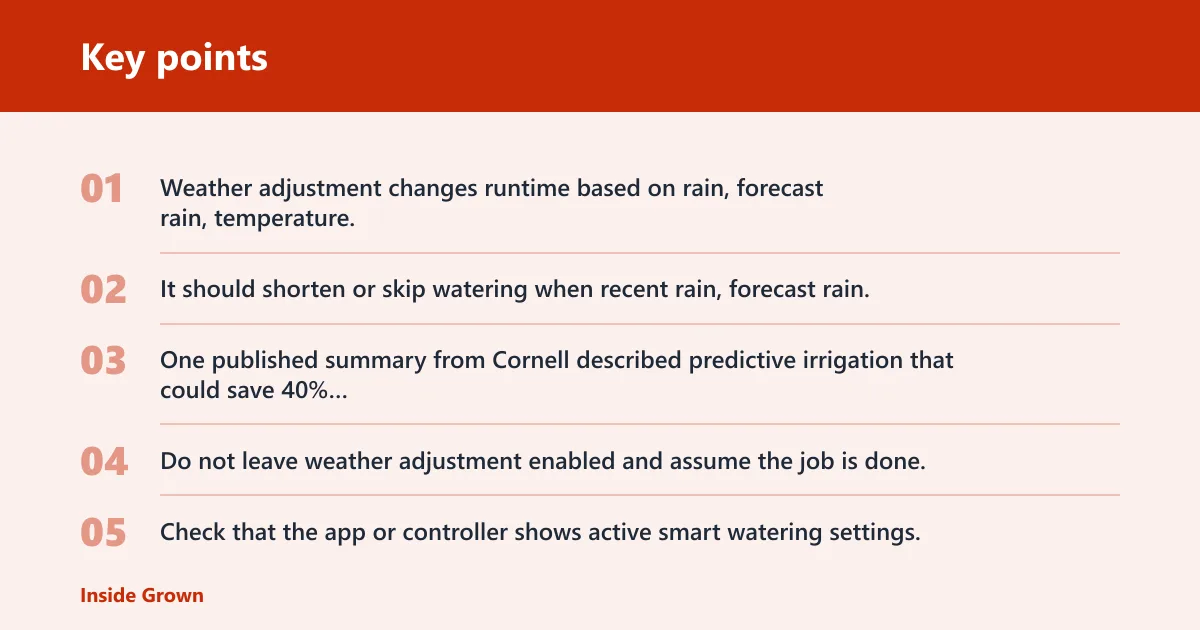
Weather adjustment changes runtime based on rain, forecast rain, temperature, and related demand data. It should shorten or skip watering when recent rain, forecast rain, or cooler weather lowers plant demand. One published summary from Cornell described predictive irrigation that could save 40% of water consumed by more traditional methods, using a model that combines plant physiology, soil conditions, and weather forecasts.
Do not leave weather adjustment enabled and assume the job is done. Check that the app or controller shows active smart watering settings, and confirm that schedules actually change after weather shifts. A screenshot is often useful for rebate records; CCWD asks for a screenshot showing smart watering settings are enabled.
Rain delay
Rain delay pauses watering after rainfall or when rain is expected. That matters because a controller without an active rain delay can still run a full cycle the day after a storm, especially if the forecast did not get pulled in correctly. Check rain delay after installation and again after a major weather change.
Seasonal adjustment
Seasonal adjustment changes runtime across the year so the system does not water like it is midsummer in January. This is one of the fastest ways to stop waste from unchanged default schedules. If your controller has a seasonal percentage or water budget setting, verify that it drops in cooler months and rises only when plants need it.
Zone-by-zone runtime review
Review each zone separately. A shaded bed, a slope, and a sunny turf area should not share the same runtime. If a station sprays onto pavement or runoff shows up before the cycle ends, cut runtime or split that area into a separate zone. This is where many savings are won or lost.
Say your front lawn station runs 18 minutes because a packaged default schedule set every zone the same way. If half the water runs into the curb at 12 minutes, then the fix is not more smart features. It is a shorter runtime and a zone check for nozzle type, slope, and soil intake rate.
Do you need soil sensors?
Not every yard needs a soil moisture sensor. Weather-only automation can be enough when the site has fairly even soil, similar plant types, and a controller that already uses reliable weather data. A soil moisture sensor becomes more useful when parts of the yard stay wet longer, runoff is a problem, or the soil dries unevenly.
What a soil moisture sensor measures
A soil moisture sensor can provide real-time soil moisture data so the controller can delay or reduce watering when the soil is already wet. On some controllers it is optional, which means the system can still run on weather data alone. Spruce says its sensors are optional and that weather data alone can still adjust watering.
When weather-only automation is enough
Weather-only automation is often enough for uniform lawn areas with similar exposure and sprinkler coverage. In that case, a good weather-based schedule, rain delay, and a seasonal budget may provide most of the savings. Add sensors when the controller keeps watering after rain, when some beds stay damp, or when runoff appears before the cycle ends.
How sensor placement affects results
Sensor placement matters because a sensor near a downspout, a leaky valve, or a shaded corner can tell the controller the wrong thing. Place it in a representative area of the zone, not where splash, runoff, or unusual shade distorts the reading. Bad placement can make a smart controller water too much or shut off too early.
How to set up your controller
Good setup turns features into water savings. Start with wiring and zone count, then enter plant and soil details, then set runtimes, delays, and smart watering options. If the controller is not matched to the actual layout, the schedule will be wrong even if the app looks correct.
Confirm zone count and station wiring
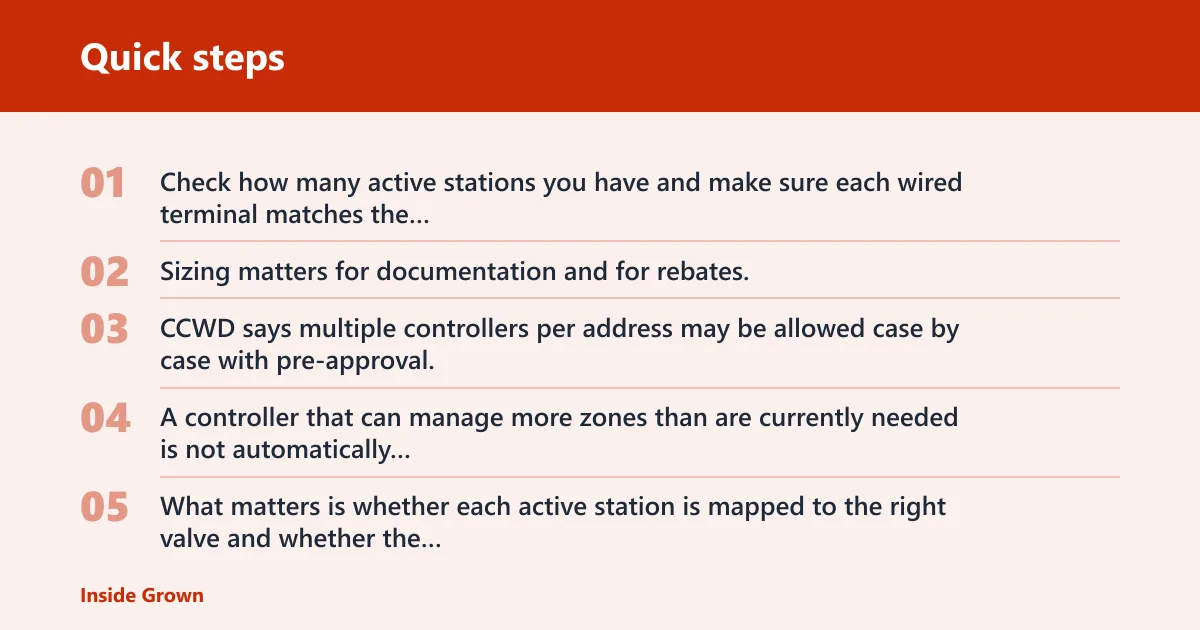
Check how many active stations you have and make sure each wired terminal matches the correct valve. Sizing matters for documentation and for rebates, because some programs ask how many active stations are installed. CCWD says multiple controllers per address may be allowed case by case with pre-approval, so document the station count clearly.
A controller that can manage more zones than are currently needed is not automatically better. What matters is whether each active station is mapped to the right valve and whether the physical wiring matches the schedule in the controller.
Enter plant and soil details
Enter soil type, plant type, slope, and sun exposure if your controller asks for them. Those inputs help the schedule estimate how much water the zone can take in without runoff. If the controller supports ET data or forecast-based adjustments, make sure the location is set correctly so it pulls the right weather data.
Set schedules, delays, and run times
Set a conservative starting schedule, then trim it after a week or two if the soil stays wet or runoff appears. Include rain delay, seasonal adjustment, and any day or time restrictions the controller offers. Spruce supports manual scheduling for testing or on-demand zone watering, and it offers time restrictions like specific days, even/odd days, and time windows.
Suppose a backyard bed holds moisture well and starts puddling after a 10-minute cycle. Shortening that station to 6 minutes and splitting it into two shorter cycles may reduce runoff more than any app setting alone.
Enable smart watering features in the app
Enable every feature that actually changes watering, including weather adjustment, soil moisture response if you have the sensor, and rain delay. For rebate paperwork, save screenshots that show smart watering settings are on. If the app offers automatic schedule adjustment, confirm it is enabled rather than sitting in a setup screen.
Water-saving setup checklist
This checklist shows what to confirm, what each feature should do, and how to verify it in the app or at the controller. Use it after installation and again after a major weather change. If a feature is not easy to confirm, treat it as unverified.
| Feature | Setting to confirm | Expected water-saving effect | How to verify in the app or at the controller |
|---|---|---|---|
| Weather adjustment | Smart watering or automatic weather-based adjustment is on | Shortens or skips watering when rain or cooler weather lowers demand | Check that schedules change after a weather update or forecast change |
| Rain delay | Rain delay is enabled or can be started manually after rain | Prevents watering right after rainfall or before expected rain | Open the delay screen and confirm the pause window is active |
| Soil moisture sensors | Sensor is paired, placed correctly, and allowed to delay watering | Stops watering when soil is already wet | Check sensor status and confirm the controller shows current moisture or wet-state input |
| Flow alerts | Flow meter is installed and alert thresholds are set | Flags leaks, stuck valves, or abnormal water use | Review live flow or alerts for unusual spikes when zones run |
| Seasonal adjustment | Seasonal percentage or water budget is set for the current season | Reduces overwatering in cool months | Confirm the seasonal value is lower than peak summer if plants need less water |
| Zone-by-zone runtime review | Each station has its own runtime and start time if needed | Prevents a single schedule from overwatering mixed zones | Compare runtimes across zones and run a manual test on each one |
How to verify water savings
Verification means checking real use, not trusting the feature list. Compare runtimes before and after setup, review bills or meter readings, and watch for zones that still overwater. A controller that looks smart in the app can still waste water if the schedule never changed.
Compare before and after runtimes
Start by recording the runtime for each zone before changes, then compare it after smart watering is enabled. If the controller shortens certain zones after rain or cooler weather, that is a good sign. If runtimes stay identical through wet weather, the weather adjustment may not be active.
Check water bills or meter readings
Use the water bill or meter readings to confirm lower use over time. One month may not be enough if weather changed sharply, so compare similar seasons when possible. The goal is simple: lower irrigation use without new dry spots, runoff, or plant stress.
Use flow alerts to spot leaks
A flow meter monitors water usage and can alert to high or low flow. Spruce can add a flow meter to monitor use and detect leaks. If a zone reports flow when nothing should be running, or if the flow rate jumps far above the usual pattern, investigate valves, broken heads, or a stuck zone.
Review whether any zone still overwaters
Look for puddles, runoff, or a station that always needs to be shut off early. If one zone is wet while another is dry, the schedule may be too broad, the sensor may be misplaced, or the zone grouping may be poor. A controller only saves water when each station is treated as its own use case.
What to do if water use goes up
Higher water use after installation usually means one of four things: bad zone grouping, wrong sensor input, old schedules left in place, or a leak. Treat the controller like a diagnostic tool. The app should help you find the problem, not hide it.
Fix bad zone grouping
Split mixed zones when possible. Lawn, shrub beds, slopes, and shade areas rarely need the same runtime. If they stay grouped, the thirstiest part of the zone sets the schedule for everything else, which usually drives water use up.
Check rain and moisture inputs
Make sure the controller is actually receiving rain data and, if used, soil moisture data. If weather input fails or the sensor is out of place, the controller may fall back to a fixed schedule. That can be useful for safety, but it should not happen unnoticed.
Review default schedules
Many controllers keep the old timer schedule unless you change it. That means a new smart controller can run exactly like the old one, plus extra automation that never gets used. Reset the schedule, confirm the seasonal budget, and verify any day or time restrictions.
Test for stuck valves or leaks
If water use rises sharply or one zone runs too long, test for a stuck valve, broken head, or line leak. Flow monitoring helps here, because abnormal flow often shows up before a bill does. A leak can erase every savings feature the controller offers.
Frequently asked questions
What is a smart irrigation controller?
A smart irrigation controller is a device that automates watering and can adjust schedules using weather data, soil moisture inputs, or both. It may also support app control, multiple zones, rain sensors, and flow monitoring. The key is that it changes watering based on conditions instead of following one fixed timer.
How do I program a smart irrigation controller for my yard?
Program it by confirming the zone count, entering plant and soil details, setting a starting runtime for each station, and enabling weather adjustment, rain delay, and seasonal adjustment. Then run each zone manually, watch for runoff, and shorten any station that wets the soil faster than expected.
Will a smart irrigation controller work without soil sensors?
Yes. Some systems use weather data alone and still adjust watering by forecast or ET data. That can be enough for many yards. Soil sensors add value when the soil dries unevenly, rain misses part of the yard, or the controller keeps watering after the ground is already wet.
What does WaterSense mean on a smart irrigation controller?
WaterSense means the controller meets EPA WaterSense labeling requirements, which many rebate programs use as a qualification filter. It is a buying and paperwork signal, not proof that the controller will save water on its own. You still need the right settings turned on and documented.
How do I know if my smart controller is really saving water?
Compare zone runtimes before and after setup, check water bills or meter readings over similar periods, and review flow alerts for leaks or abnormal use. If weather changes do not alter the schedule, or if one zone still puddles, the controller is not yet saving water the way it should.
What sensors do I need with a smart irrigation controller?
At minimum, many yards benefit most from weather adjustment and rain delay. Add a soil moisture sensor when a zone stays wet, runoff is common, or the soil varies a lot across the yard. Add a flow meter if you want leak detection and a clearer picture of actual water use.