
How to Clean and Maintain Landscape Lights
Clean outdoor low-voltage and solar fixtures by shutting off power, washing lenses with mild soap and water, rinsing, and drying. If brightness stays low after one cleaning, move to moisture, seal, or voltage checks. Skipping these steps can scratch lenses, trap water, and leave a wiring fault hidden until fixtures fail. This guide shows how to clean low-voltage and solar fixtures safely, then diagnose what remains wrong when light output does not recover.
What you’ll need
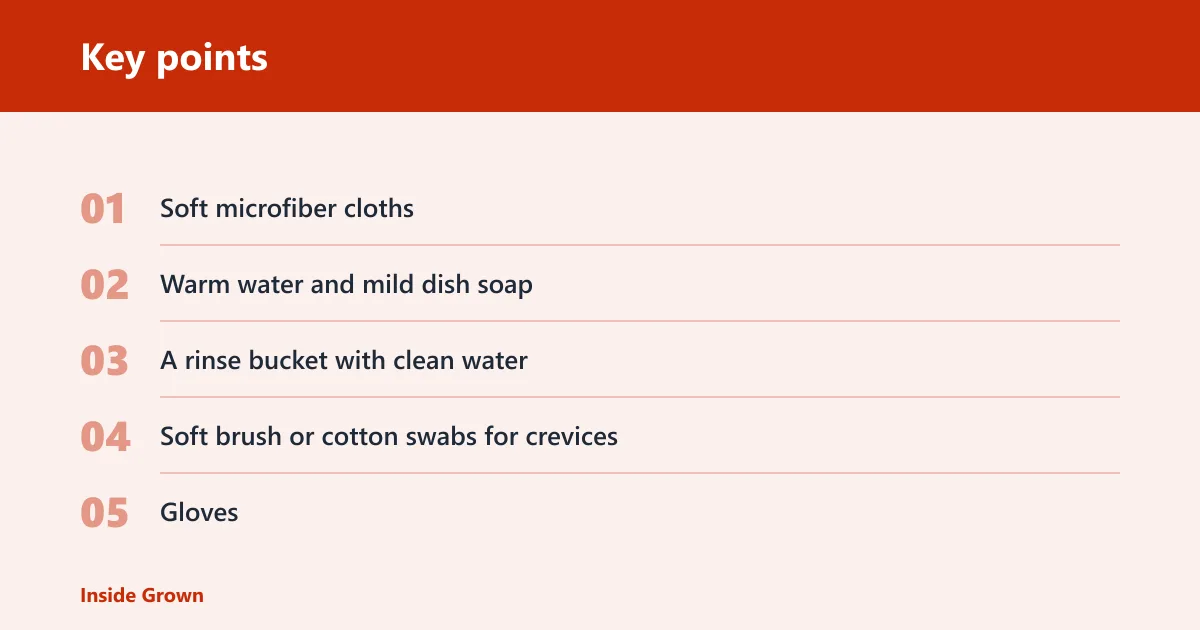


- Soft microfiber cloths
- Warm water and mild dish soap
- A rinse bucket with clean water
- Soft brush or cotton swabs for crevices
- Gloves
- Multimeter
- Replacement gaskets or seals if a fixture uses them
- Protective wax or polish for unfinished brass or copper, if the fixture maker allows it
How to clean the fixtures
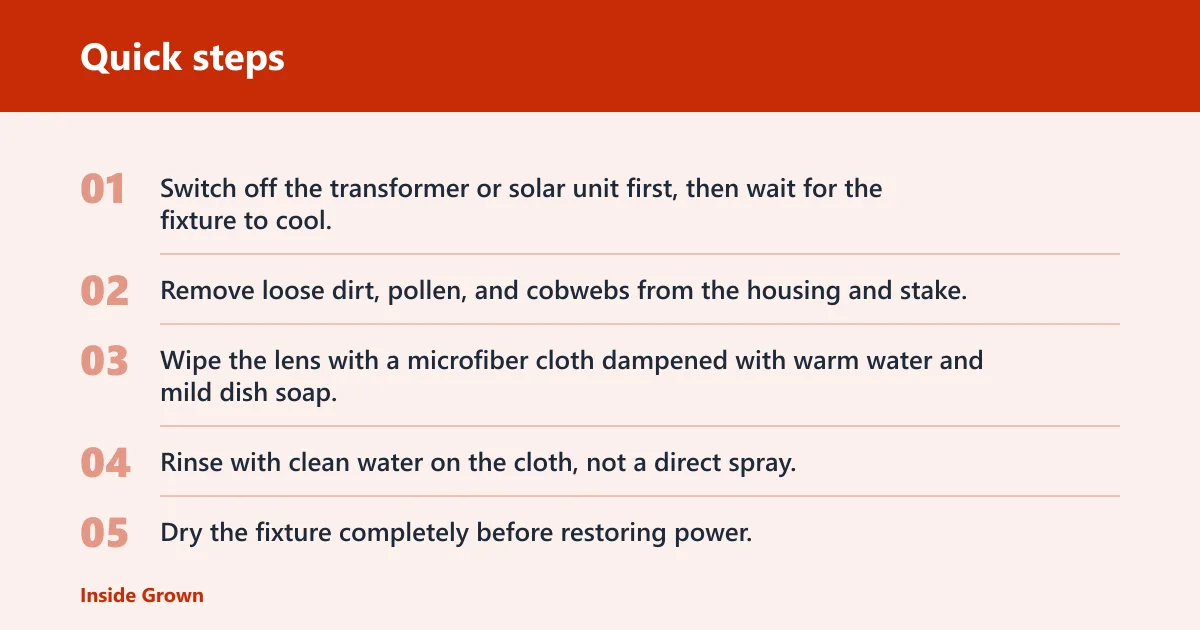
- Switch off the transformer or solar unit first, then wait for the fixture to cool.
- Remove loose dirt, pollen, and cobwebs from the housing and stake.
- Wipe the lens with a microfiber cloth dampened with warm water and mild dish soap.
- Rinse with clean water on the cloth, not a direct spray, so seals and weep holes stay intact.
- Dry the fixture completely before restoring power.
Outdoor fixtures collect dirt, grime, and rust, and dirt, pollen, and spider webs can cut light output by 20-50%. Basic cleaning often restores output without touching wiring. Keep the cloth soft. Do not use steel wool, abrasive pads, bleach, or harsh chemical cleaners.
Lens and finish care
Clean the lens separately from decorative trim. Use a soft cloth on glass or polycarbonate, and avoid scratching either surface. For lacquer-coated brass, uncoated brass, or copper, keep cleaners gentle and dry the metal fully. Avoid products containing ammonia or alcohol, which can haze some finishes and leave them dull.
If a brass path light looks cloudy after wiping but the beam shape is unchanged, the problem usually sits on the lens or finish, not in the electrical circuit. A second pass with fresh warm water and mild dish soap is safer than switching to a harsher cleaner.
How to clean landscape solar lights without damaging them
Clean the solar panel first, then the lens and housing. Use a damp microfiber cloth, not a stiff brush or pressure spray. If the battery compartment is damp, dry it fully before reinstalling the light. Solar lights are generally more moisture-sensitive than transformer-powered fixtures, so keep water out of the housing and seal area.
Solar-panel and battery checks
- Wipe dust and pollen from the solar panel with a soft cloth.
- Open the battery compartment only if the maker allows it, then look for moisture or corrosion.
- Clean the lens and housing with mild soap and water.
- Reassemble the light and place it where the panel gets direct sun.
- Reset the light if the model has a switch or mode button.
Cleaning solar lights matters because dirt on the panel can keep the battery pack from charging, even when the lens looks fine. If the panel is shaded by plants, trim growth back about 6 inches away from the fixture.
What should I use to clean outdoor lights safely?
Use warm water, mild dish soap, and a soft microfiber cloth, then rinse with clean water and dry. That mix works for most glass and polycarbonate lenses and for many metal housings. Skip ammonia, alcohol, bleach, abrasive pads, and steel wool. Those products can cloud lenses or damage finishes.
Keep seals and drains intact
Do not force water into vents, gaskets, or connector boots. Wipe around the seams instead of flooding them. If a fixture has a drain or weep hole, clear debris with a cotton swab, not a hard pick, so water can leave the housing after rain or washing.
How often should I clean landscape lights?
Most systems only need a quick check once or twice per year to stay reliable. In high-pollen yards, coastal areas, or places with freeze-thaw cycles, check them more often because grime, salt, and moisture build up faster. Seasonal maintenance is the easiest way to prevent dim lights, flickering, and full system failures.
Trim plants around fixtures at least 6 inches away. That gives you room to clean the lens, protects airflow around the housing, and keeps leaves from trapping moisture against seals.
What should you check if the lights still look bad?
If light output stays poor after cleaning, move from surface dirt to the power path and the seals. Check for cloudy lenses, cracked gaskets, corrosion on waterproof connectors, moisture inside the fixture, and timer or photocell settings that changed with the season. Those are the common reasons brightness does not return.
Maintenance decision table
| Symptom | First two checks | Likely cause | Safest next step |
|---|---|---|---|
| Dim after cleaning | Lens clarity; transformer output | Voltage drop or aging fixture components | Measure fixture voltage and compare it with installation records |
| One fixture out | Bulb or LED module; connector seat | Open connector, failed lamp, or damaged fixture head | Reseat the connector, then test continuity and voltage |
| Flicker after rain | Connector seal; moisture inside housing | Water intrusion or corrosion | Dry the fixture, inspect seals, and replace damaged connectors |
| Cloudy lens | Lens material; cleaner residue | Scratching, haze, or film buildup | Reclean with mild soap only; replace if the lens is crazed |
| Corrosion on connectors | Connector housing; wire ends | Moisture exposure or failed sealing | Replace the connector and recheck the wire run |
| Tripped GFCI | Test/reset function; wet components | Ground fault on the transformer side or in a fixture | Reset once after drying, then inspect for intrusion before re-energizing |
| Hot transformer | Load/wattage; timer settings | Overload or poor ventilation | Compare total load to transformer rating and reduce the load if needed |
| Solar light not charging | Panel cleanliness; battery condition | Dirty panel, failed battery pack, or shaded placement | Clean the panel, move the fixture to sun, then replace the battery if needed |
A drop of more than 0.5V at any fixture suggests a developing problem. A multimeter helps you find whether the issue sits at the fixture, connector, or wire run instead of replacing parts blindly.
If that didn’t work, try this next
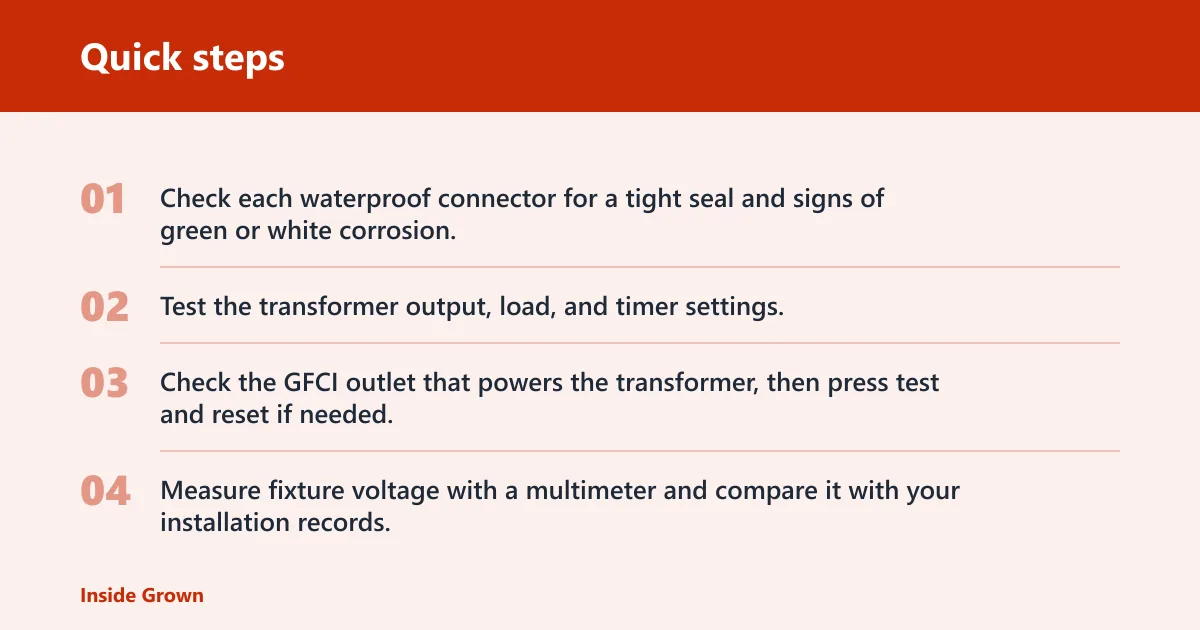
- Check each waterproof connector for a tight seal and signs of green or white corrosion.
- Test the transformer output, load, and timer settings.
- Check the GFCI outlet that powers the transformer, then press test and reset if needed.
- Measure fixture voltage with a multimeter and compare it with your installation records.
Picture a six-light run where five fixtures glow normally and one is dim after a storm. Cleaning the lens will not fix a corroded connector. The next step is the connector and wire run, because the symptom is local, not systemwide.
What should you check if landscape lighting flickers after rain?
Check the connector seals first, then look for moisture inside the fixture head and along the wire run. Flicker after rain usually means water has reached a connection point or a gasket is not sealing. Dry the affected parts fully before testing again, and replace any connector that no longer closes tightly.
Waterproof connectors and wire runs
Waterproof connectors should block moisture and resist corrosion. If a connector looks loose, brittle, or stained, replace it rather than squeezing it tighter. For buried or hidden wire runs, inspect any exposed section where water could enter and track back toward the transformer or fixture head.
How do I troubleshoot landscape lighting that stopped working?
Start at the power source, then move outward. Test the GFCI outlet that powers the transformer, verify transformer output and timer settings, and inspect the first failed fixture and its connector. If one fixture works and the next does not, the fault is often in the connector or that branch of the run.
Transformer and control checks
- Confirm the transformer is plugged in and the timer is in the correct season setting.
- Check the dusk-to-dawn or photocell control if the system uses one.
- Verify that Daylight Saving changes did not shift the schedule.
- Look for a hot-running transformer or a load that exceeds the rated wattage.
A transformer that runs hot is a warning sign, not something to ignore. If the system has grown over time, the load may now exceed the rating. Reduce the connected load, then retest before adding fixtures back in.
Common mistakes
- Using harsh cleaners on glass, polycarbonate, brass, or copper
- Forcing wet fixtures back into service before they dry
- Ignoring seasonal timer and photocell changes
- Replacing a fixture before checking the connector, transformer, and GFCI outlet
- Scrubbing lenses with abrasive pads that create haze
One common first-timer mistake is replacing a dark fixture before checking the connector. If the other lights in the run are normal, the problem is often local. Another is leaving a solar light in partial shade after cleaning, which keeps the panel from charging even when the lens is spotless.
Frequently asked questions
How do you clean landscape solar lights without damaging them?
Wipe the solar panel, lens, and housing with warm water and mild dish soap on a microfiber cloth. Avoid spraying water into the battery compartment. After cleaning, place the light where the panel gets direct sun and reset any mode button so the battery can recharge normally.
Why are my landscape lights dim even after cleaning?
If the lens is clean and output is still low, check transformer output, voltage at the fixture, and connector condition. A drop of more than 0.5V at a fixture suggests a developing problem. Dirt may be gone, but voltage loss, corrosion, or a failing lamp can still be limiting output.
How do I clean copper or brass outdoor light fixtures?
Use mild soap and water, then dry the fixture completely. For lacquer-coated brass, avoid aggressive polishing unless the finish maker allows it. For uncoated brass or copper, a protective wax or polish can slow tarnish, but do not use ammonia or alcohol on the surface.
How do I clear a maintenance required light on outdoor lighting controls?
Check the control menu, confirm the timer or photocell setting, then reset the maintenance message only after cleaning the fixture, checking the GFCI outlet, and verifying the transformer output. If the warning returns, treat it as a real fault in the power path rather than a reminder to ignore.